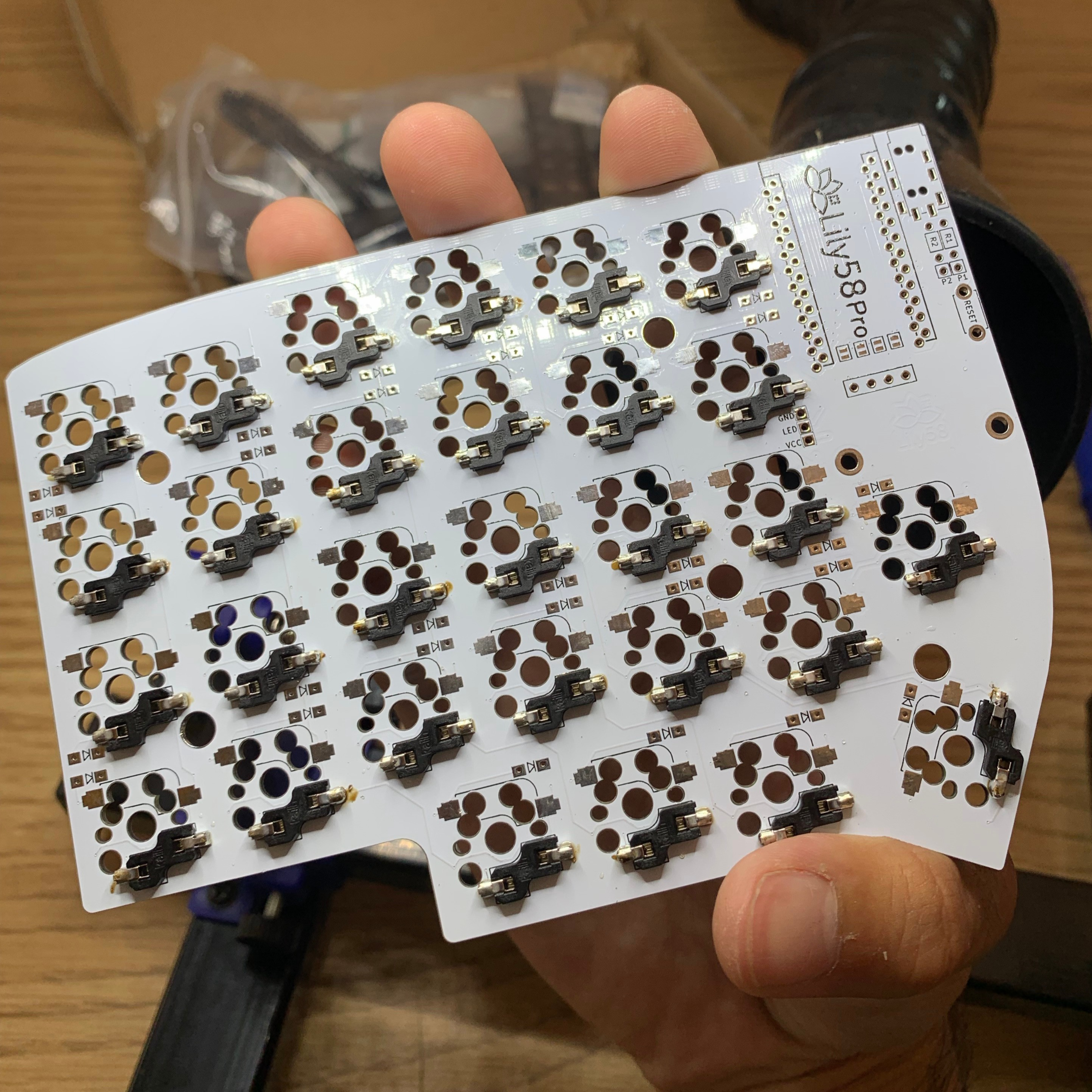
The goal of this project was to create a cost effective ultralight gaming mouse. There are existing "mice mods" out there for more expensive gaming mice but I wanted to use a cheap one which would allow more people to feel confident trying the mod. Investing a lot of money into a high performance gaming mouse to mode when you haven't touched electronics before and this creates an easy entry point into that world.
Mouse Overview
Mouse Market Research
A growing trend in gaming mice is to make them as light as possible to enable larger, faster motions. The mouse modding scene exists to creaete eyecatching designs of performant gaming mice and make them even lighter. There are two main methods of modding the cases, drilling out the case to remove material or replacing the case with custom 3D printed shells.
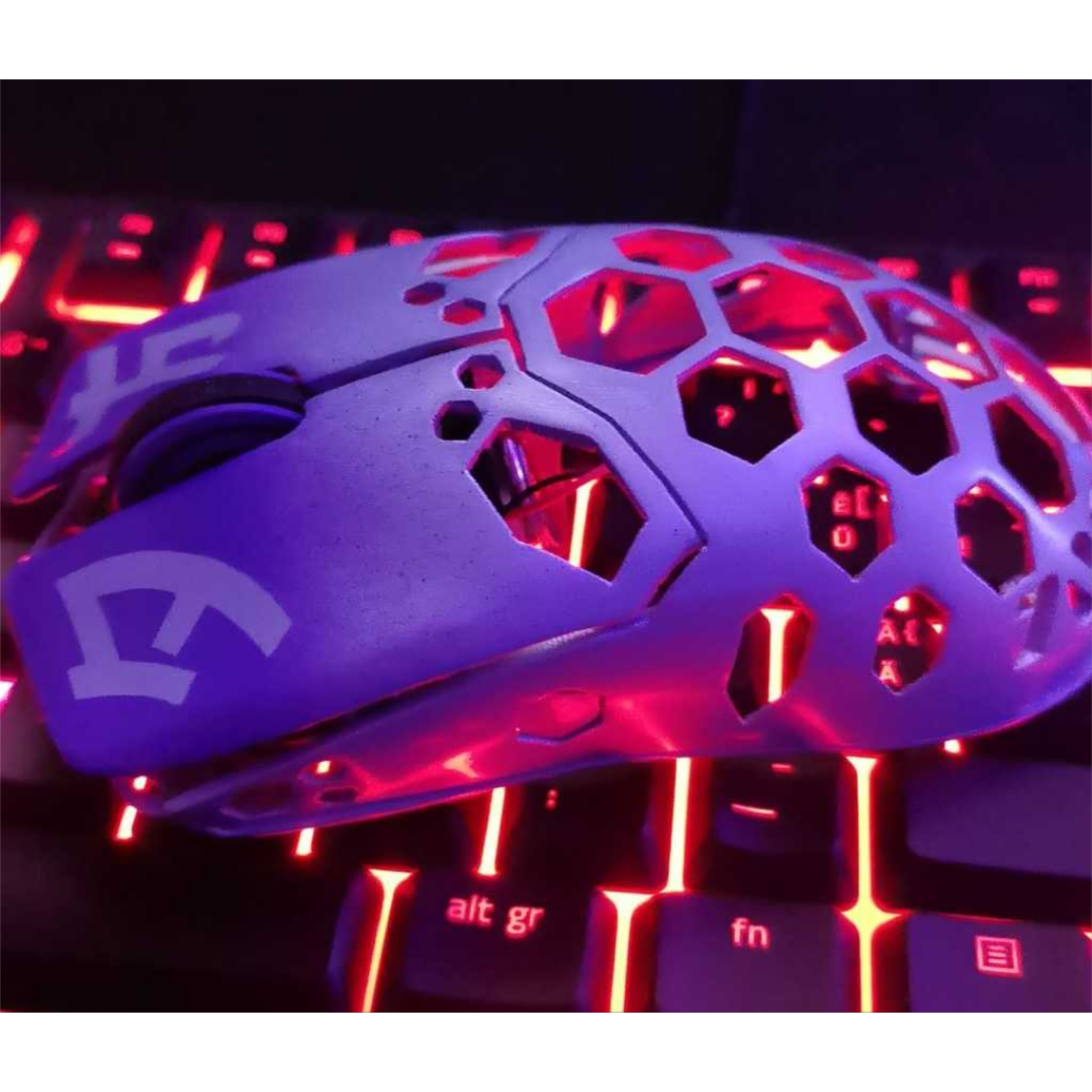
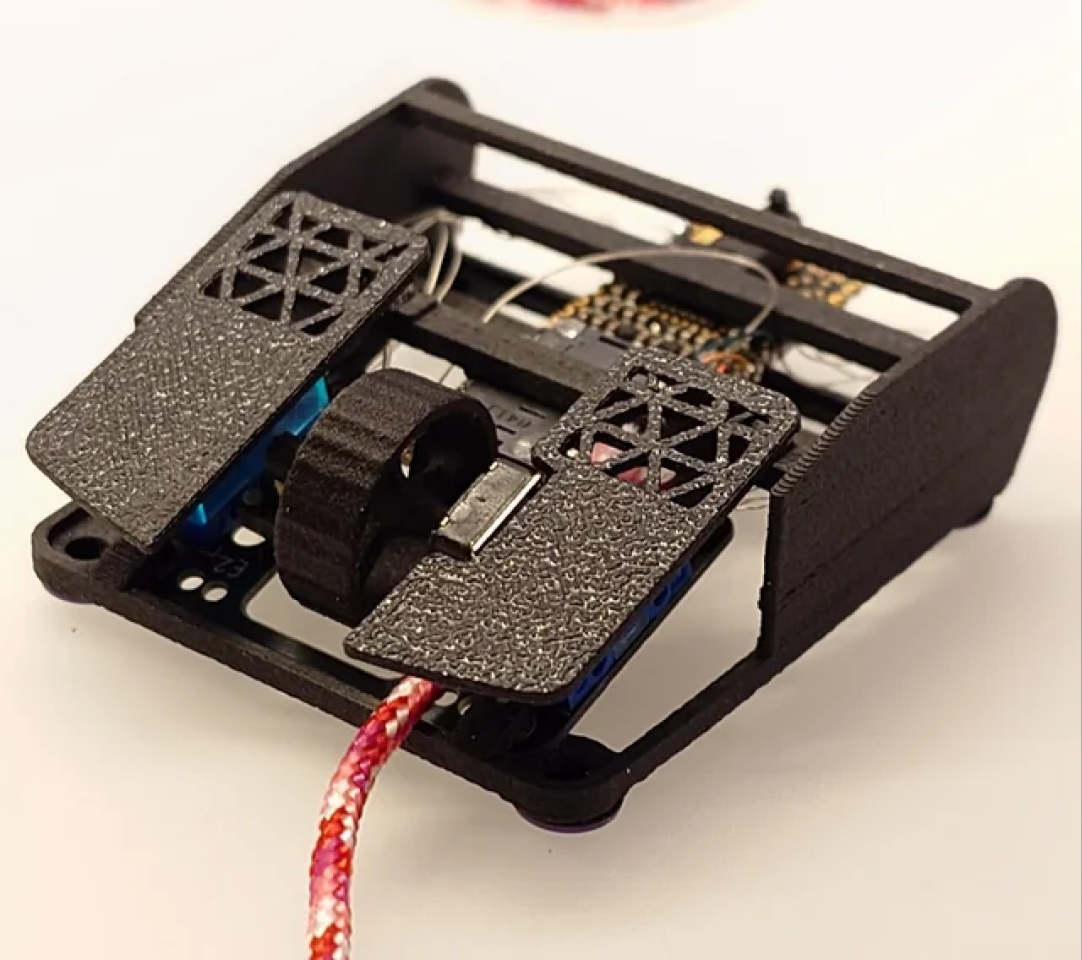
The first example, the dremel mod, just involces dissasembling in order to safely remove material. The full 3d printed shell mod keeps existing PCBs and components to reuse them in the most miminal shell as possible. These designs focus on only have material where you make contact with the mouse or where the mouse needs to make contact with the desk to save the most on weight.
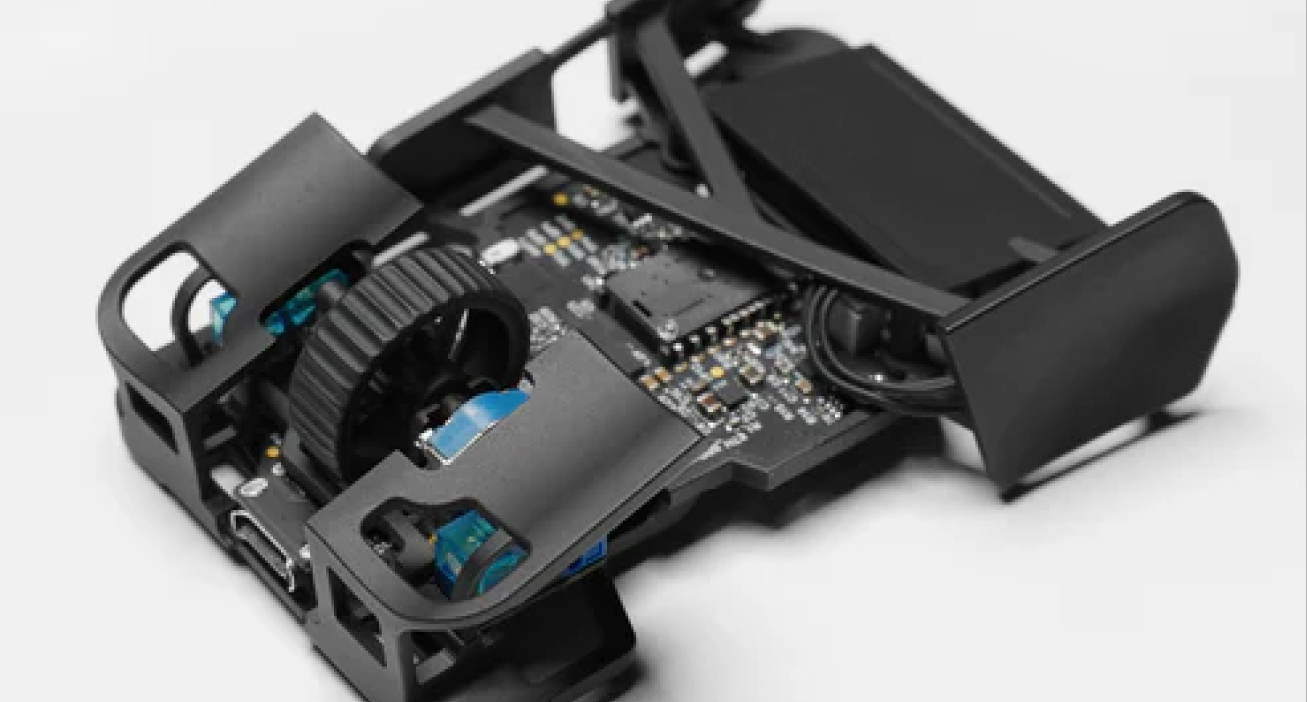
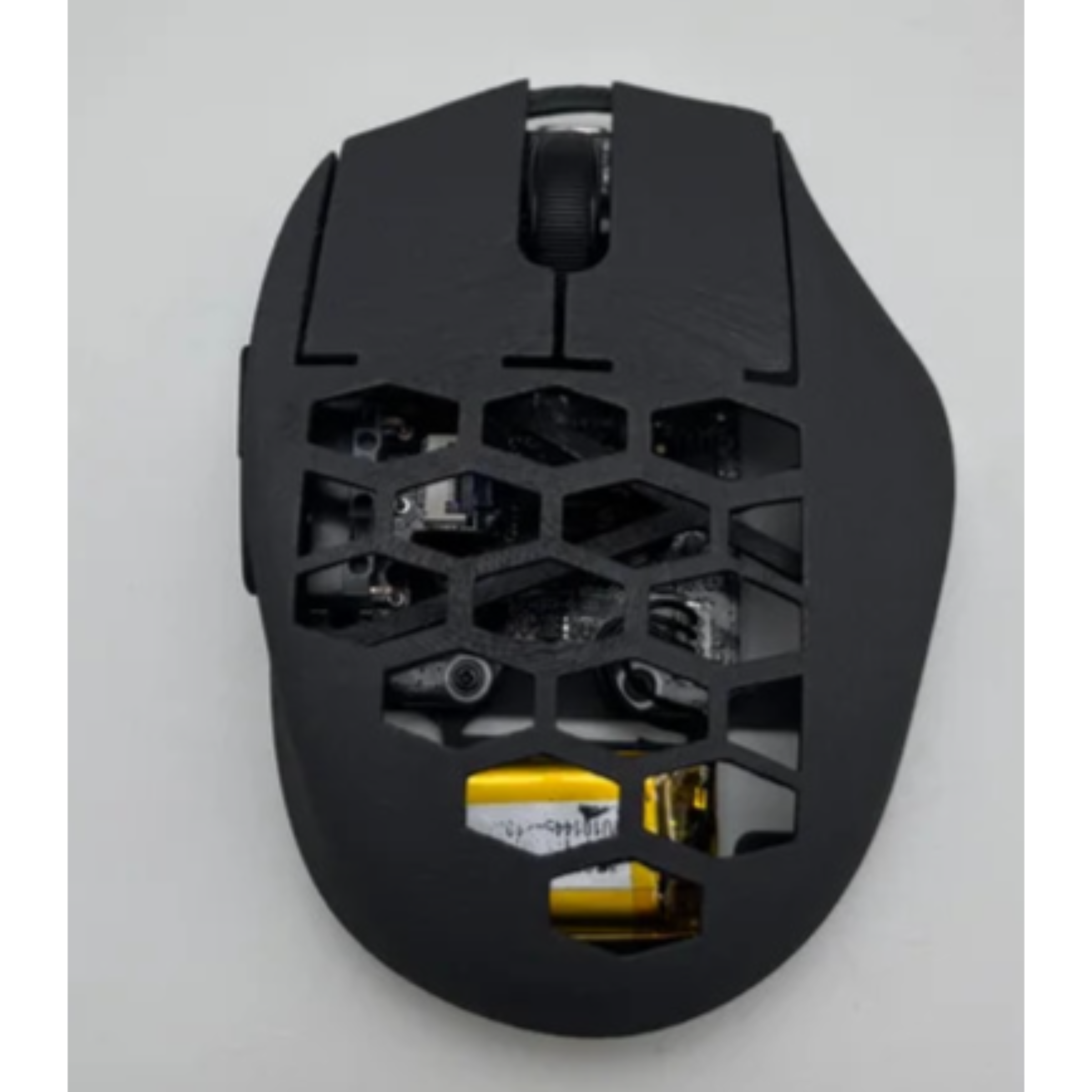
The mice above are the largest inspiration for the design in this project. The Zero Mouse was a commercial product that was 3d printed on a resin printer and was designed around a Razer Viper board and components. The ergonomic case was an inpsiration for the thumb placement on the new design.
Mouse Development
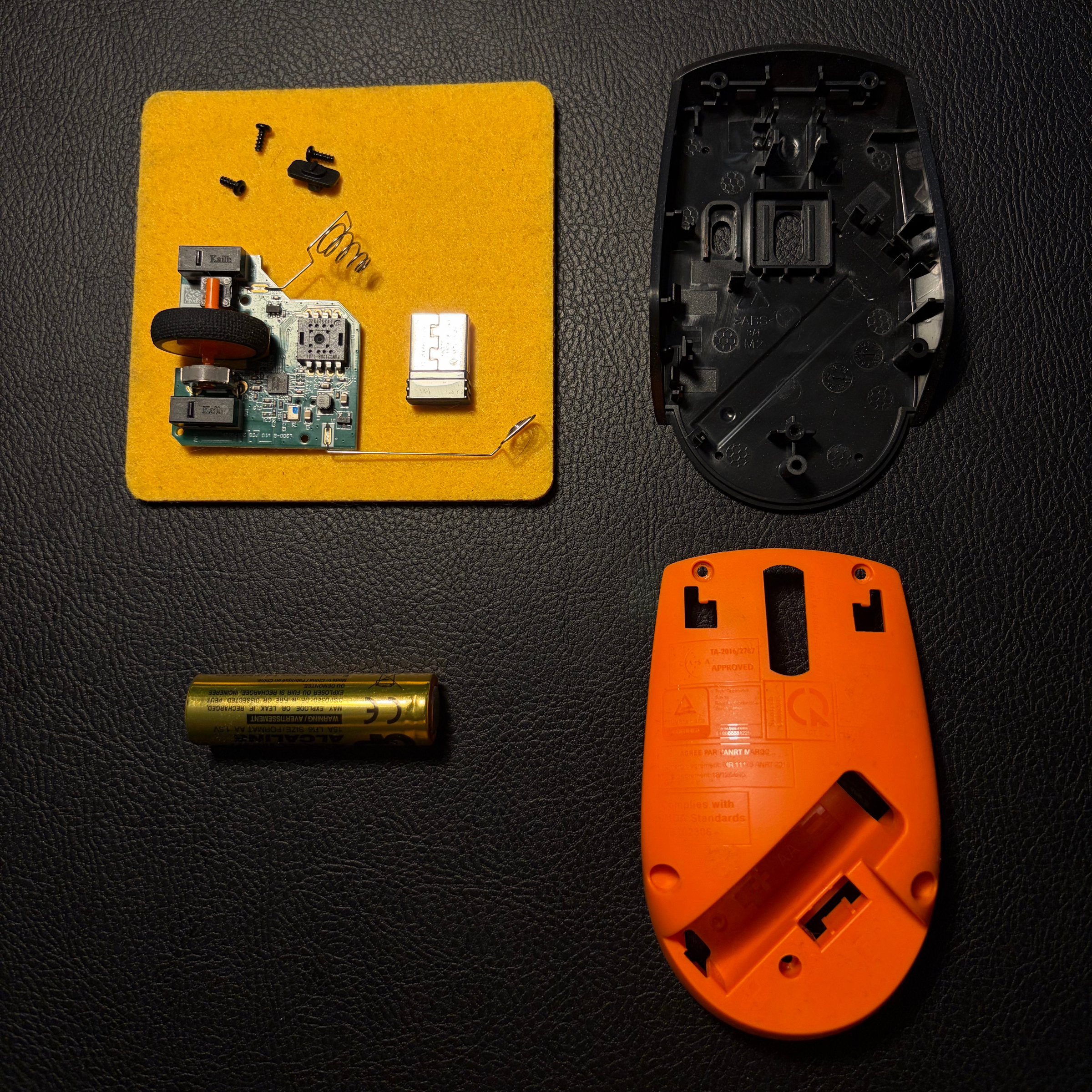
I started the development by taking apart the selected Lenovo donor mouse and documenting it's parts. Then i modeled the donor PCB and mouse wheel in Fusion 360.
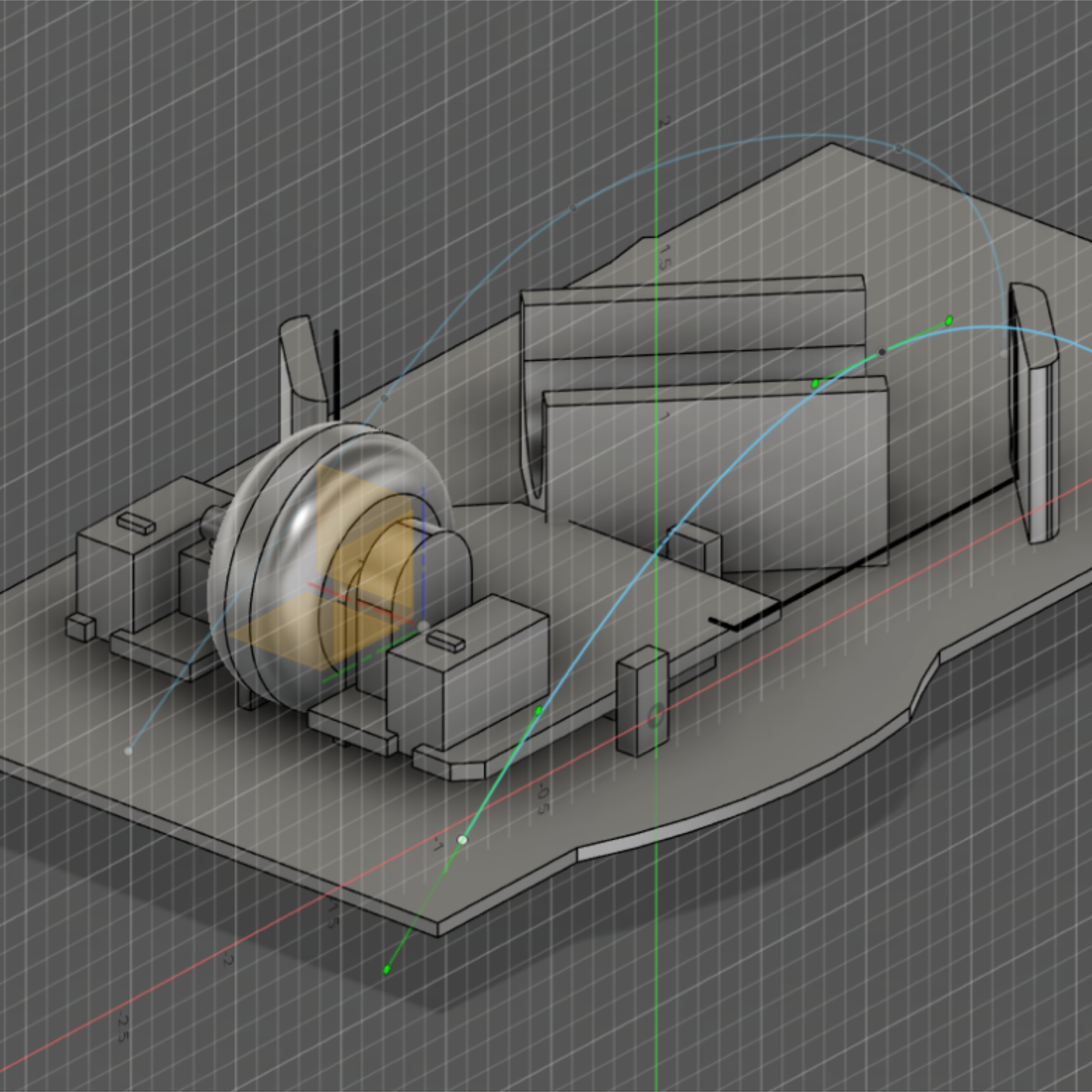
Sketching over the PCB and existing mouse designs for a scale reference. I had a file for a Logitech G305 and I ownded one which helped inform ergonomic descions and things i liked or didn't like.
Keyboard Overview
As my time spent programming and doing more software I found my hands started to hurt from my traditional keyboard and mouse set up which cause me to search for more ergonomic options. I switched my mouse to a trackball which helped a ton but I was still searching for a less stress inducing way to type.
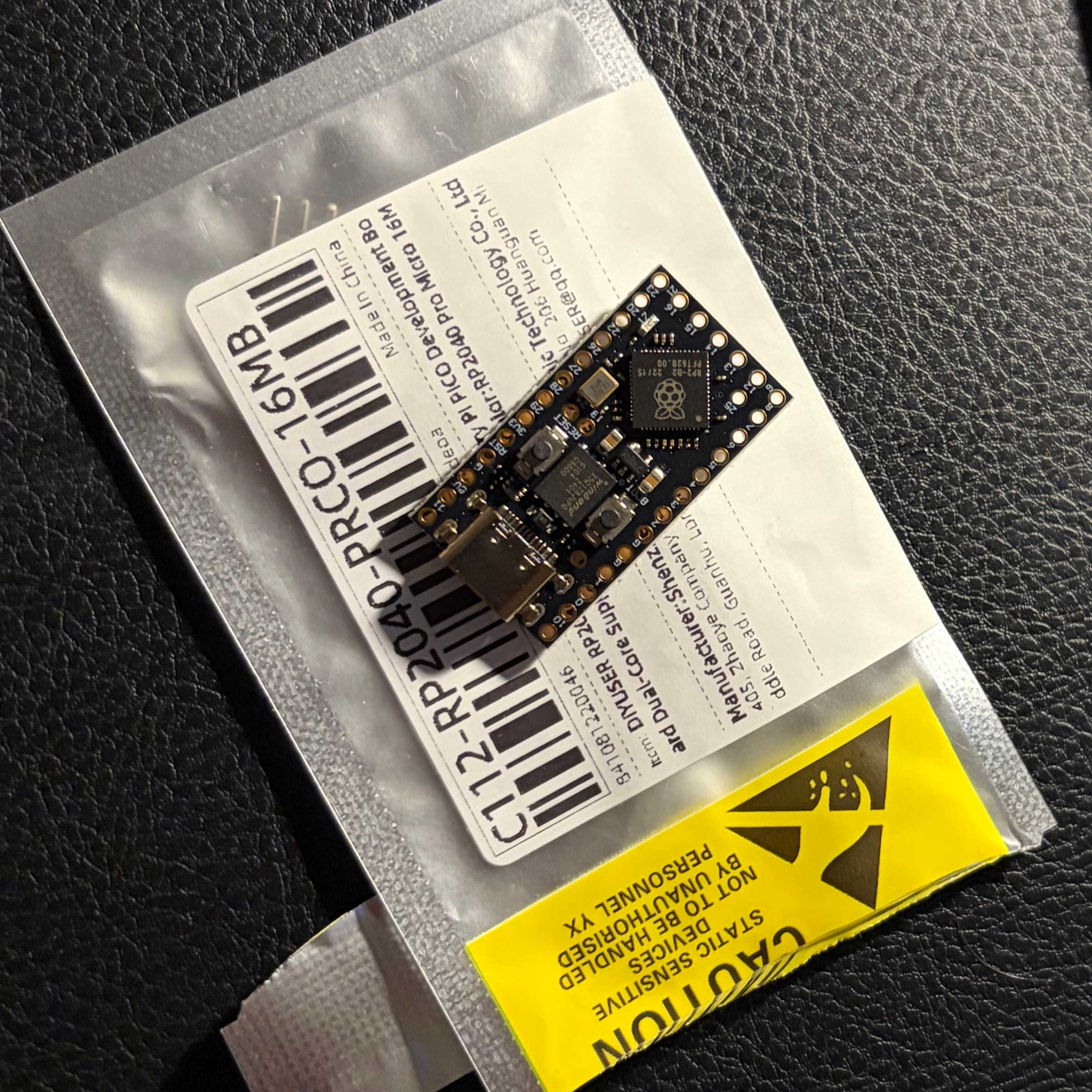
Building my own split keyboard seemed like a great way to learn more about PCBs, learn how to solder better, and flashing microcontrollers.
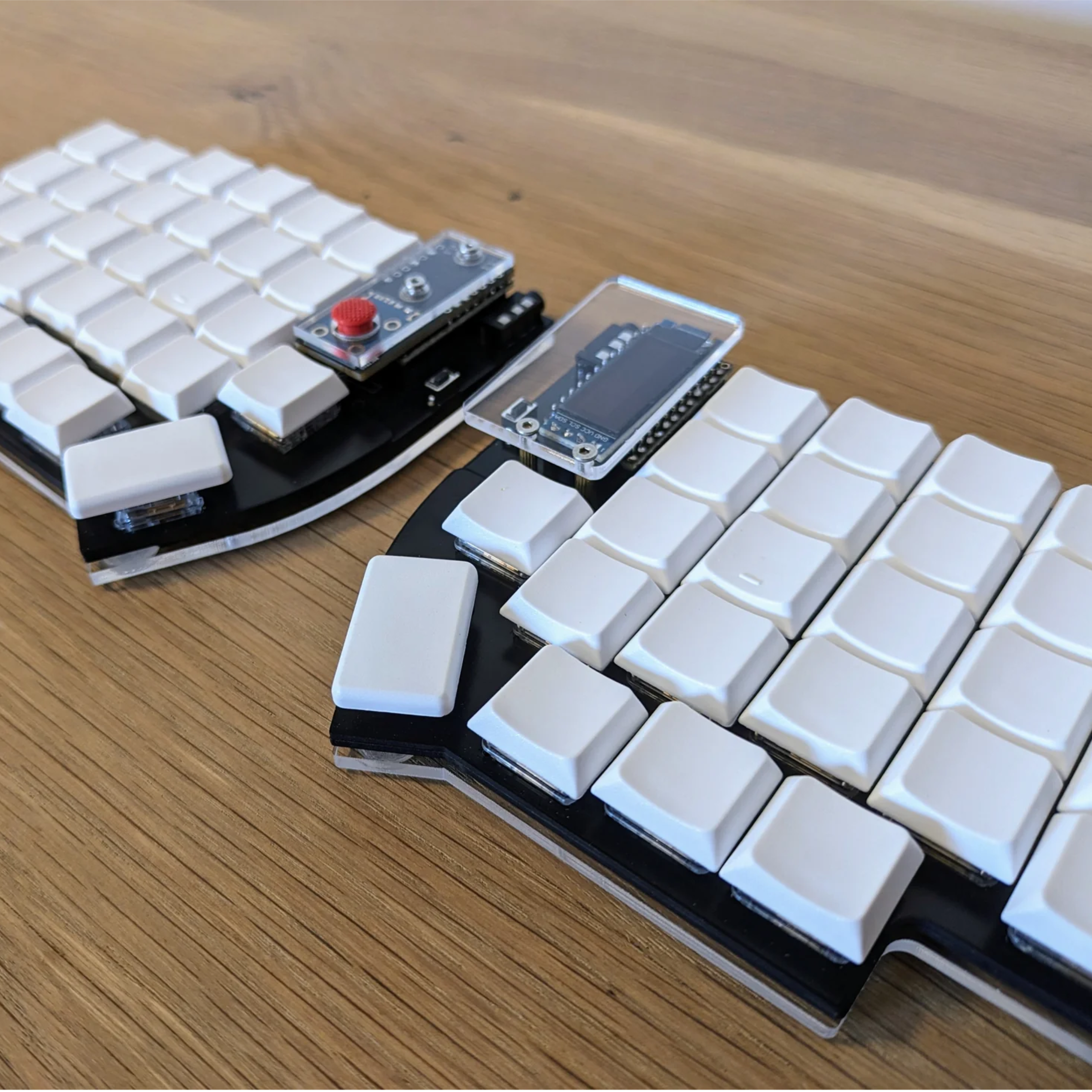
Lily58 low profile build example
Keyboard Research
This project did not involve extensive design just more research into the different split keyboards and selecting the one I wanted to build. Cost, key layout, and key quantity were the main determining factors. The help-14 repository on GitHub was super helpful for browsing all of the options that were out there. Through process of elimination I decided on a column-staggered split keyboard with low profile keys.
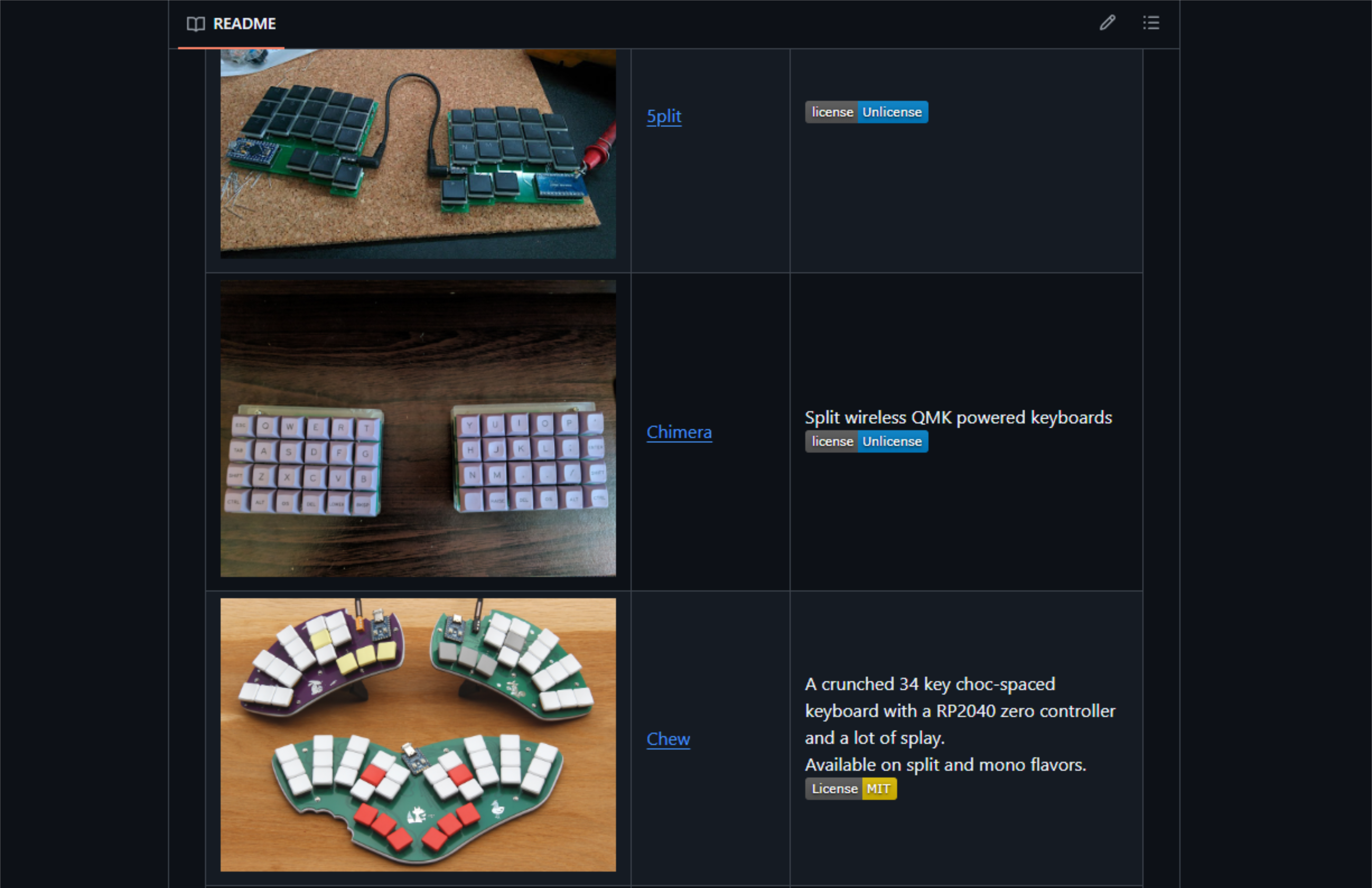
Mechanical keyboard resources repository from help-14 on GitHub.
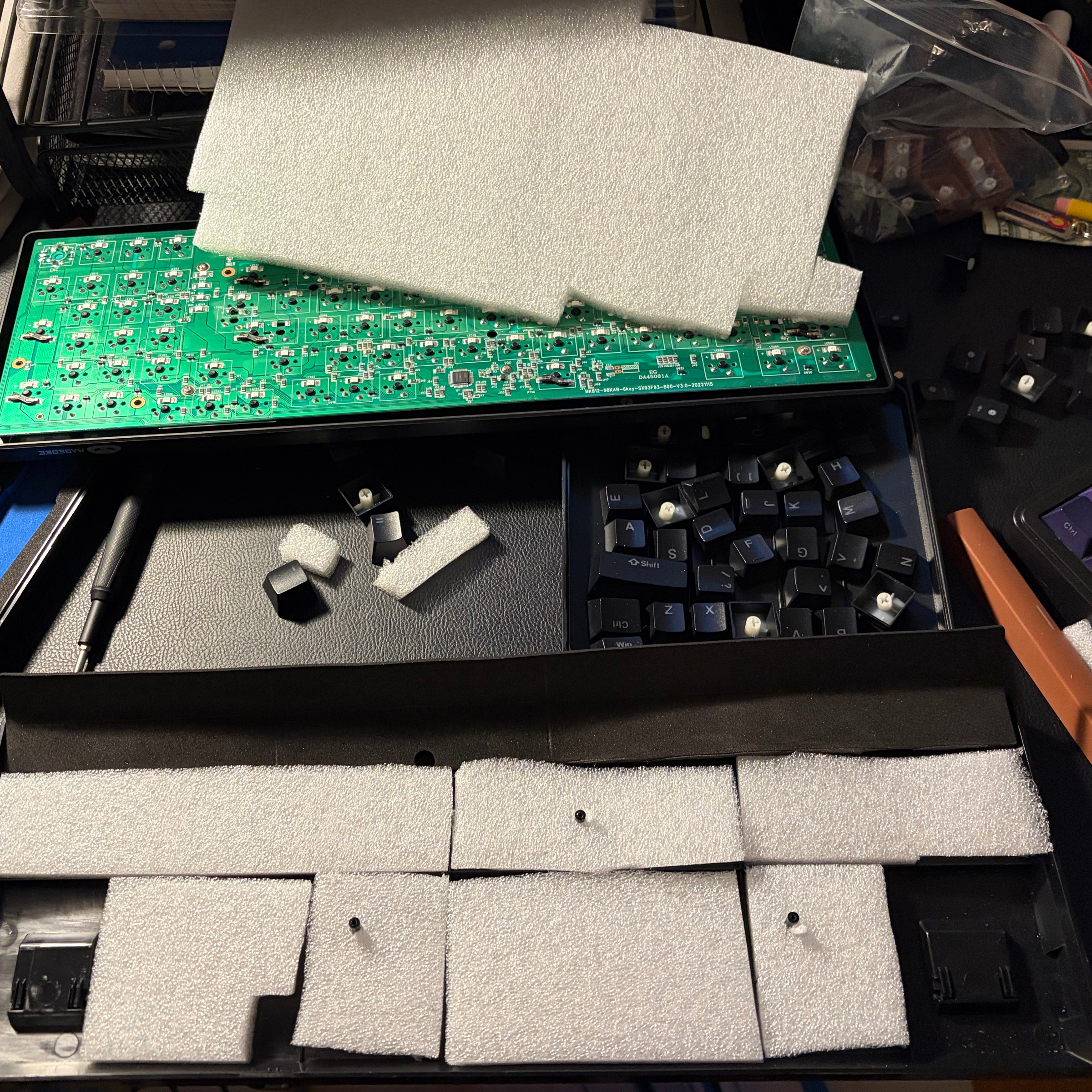
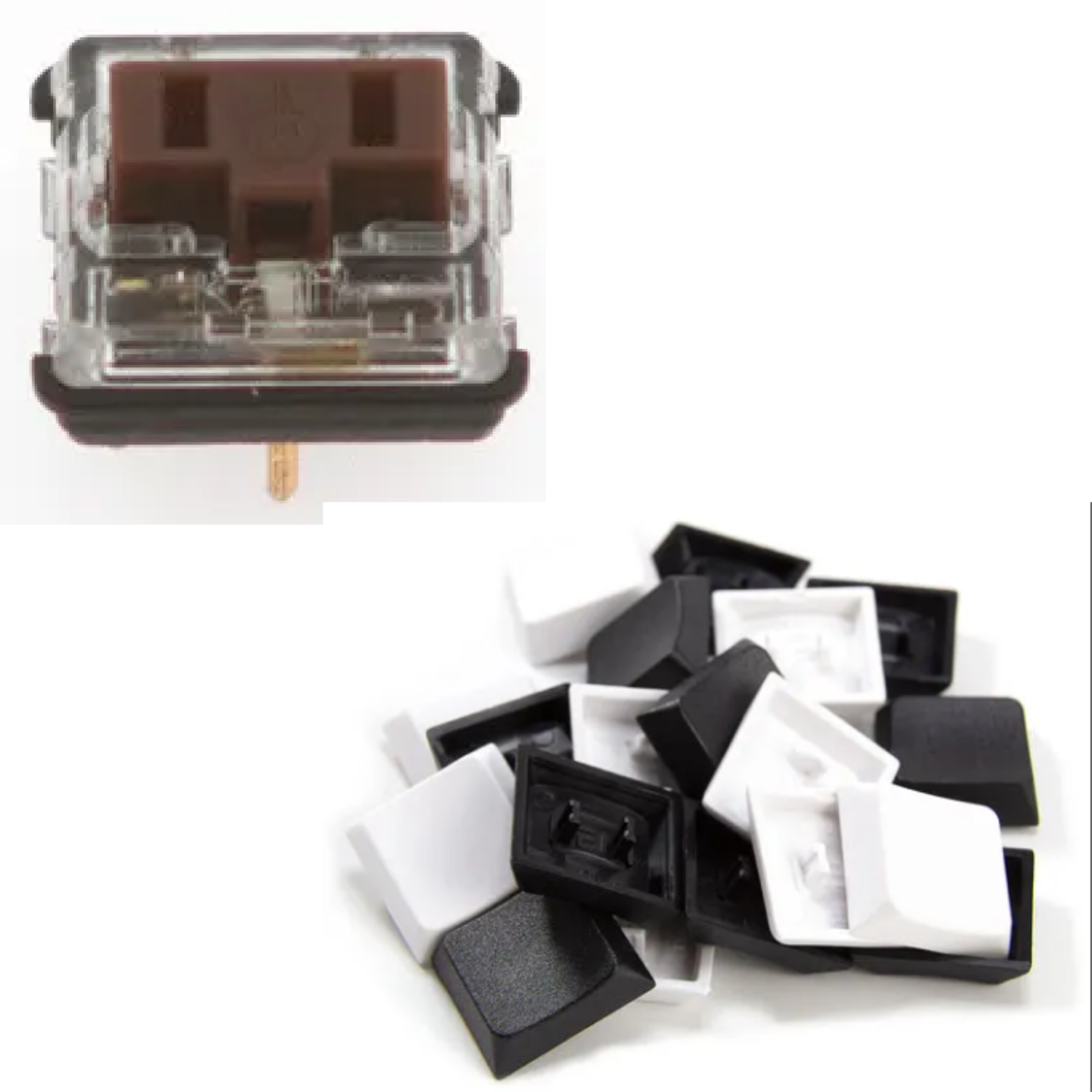
From modifying other keyboards that I had I was able to see low profile would be a better option as they don't require a wrist rest and should be quieter from keyshape. The low profile switches would give a typing experience that is closer to typing on a laptop.
Keyboard Development
I was able to source a keyboard kit from KEEBD. This was a good starting point that included most of the components, I just needed to source the correct microcontroller. I had access to a good setup with a strong soldering iron and easy ventilaiton.